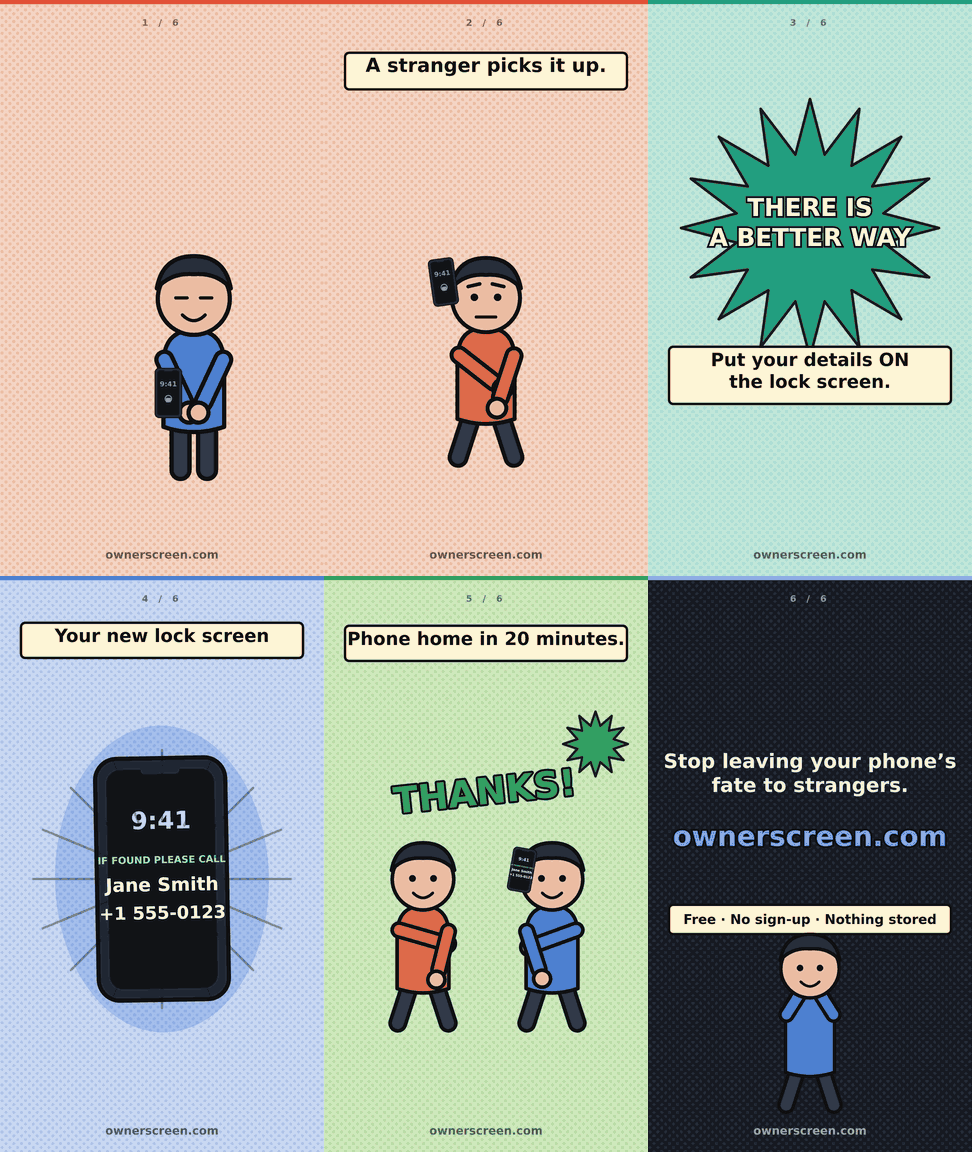
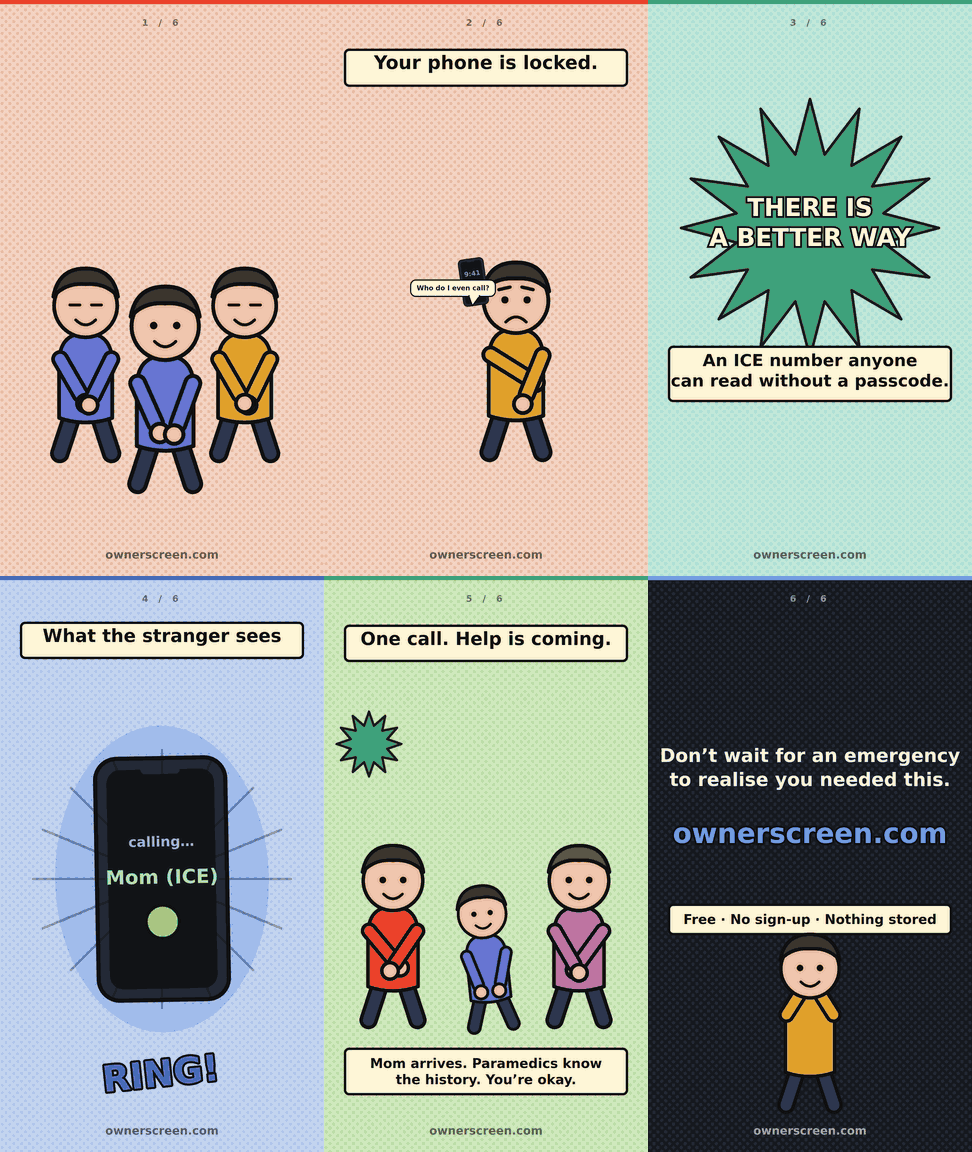
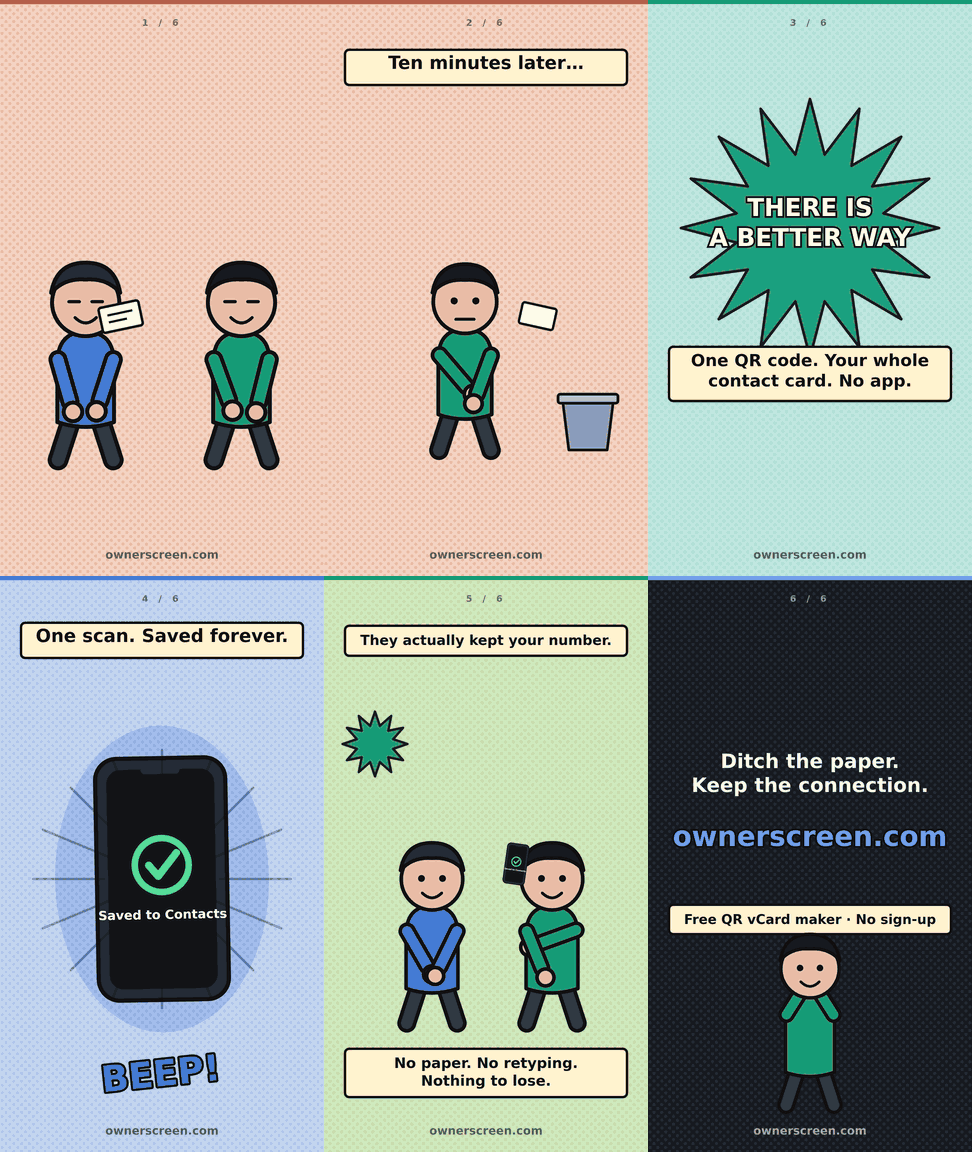
One page, three jobs. Get a lost iPhone or Android back to you. Put an emergency (ICE) contact where a paramedic or a stranger will actually look – on the locked screen, no passcode needed. And hand anyone your full contact details as a scannable QR code, with no app and no paper card.
iPhone & AndroidNo sign-upNo app to installWorks offline once saved
Nothing you type leaves this page. The wallpaper and QR code are built inside your own browser. There is no database, no account, no sign-up, no cookies and no tracking – nothing is uploaded, retained or linked to anything. Close the tab and it is gone.
Free. No ads, no sign-up, nothing stored – kept running by tips. Leave a tip
You lose your phone
Whoever finds it sees a locked screen and nothing else – unless your name and a number are already on it.
Lost phone checklist →Something happens to you
An ICE contact saved in your address book is invisible on a locked phone. On the lock screen, anyone can read it.
What is an ICE number? →You hand out your details
One QR code holds your whole contact card. It scans straight into a phone, works offline, and never expires.
How vCard QR codes work →
1Create your lock screen details here
Whatever you type here appears below the clock on your lock screen. Watch the preview change as you go.
Suggestion is your Emergency Contact
Start with + and your country code, so it still works if the phone is found overseas.
2Contact QR code vCard
Creates a scannable QR code. Any phone camera reads it and offers to save you as a contact.
You only need Download QR code if you want the code
on its own – for an email signature, a printed business card, a name badge or a shop window.
If you just want it on your phone, leave the box below ticked and it is included in your wallpaper.
Enter at least a name before creating the QR code.
3Phone & appearance
The clock and buttons in the preview are drawn by the phone – they are not part of the saved image.
Live preview
Live – updates as you type.
Saturday, 8 August
9:41
Red dashed lines mark where the clock, widgets and notifications can sit.
How to set it on an iPhone
Tap Save wallpaper to Photos. A share sheet opens – choose Save Image.
If no share sheet appears, the picture is shown on screen instead: press and hold it and choose Save to Photos.
Open Settings → Wallpaper → Add New Wallpaper → Photos.
Pick the image, pinch it so nothing is cropped, tap Add.
Choose Set as Wallpaper Pair (or Customise Home Screen).
Long-press the lock screen, tap Customise, and remove any widgets that cover the text.
Also worth doing: open Health → Medical ID → Edit and fill in allergies, conditions, medications and emergency contacts. Turn on Show When Locked and Share During Emergency Call. Paramedics can then read it straight from the locked phone by tapping Emergency → Medical ID.
How to set it on an Android
Tap Save wallpaper to Photos and pick Photos (or Files) in the share sheet. On a computer it downloads straight to your Downloads folder.
Open Photos or Gallery and find the image.
Pixel / stock Android: long-press the home screen → Wallpaper & style → Change wallpaper → My photos. Samsung:Settings → Wallpaper and style → Change wallpapers → Gallery.
Pick the image and choose Lock screen (or Home and lock screen).
Don't crop or zoom – tap Set / Done.
Drag the clock style or remove lock screen widgets if they cover the text.
Also worth doing: open Settings → Safety & emergency → Medical info and fill in allergies, conditions, medications, blood type and emergency contacts. Paramedics can read it from the locked phone by tapping Emergency → Emergency information. Samsung also has Settings → Lock screen → Contact information for a short text line.
ICE stands for In Case of Emergency. It is the number you want a stranger, paramedic or police officer to ring if they find your phone or find you unable to speak. Use a partner, parent or close friend – never your own mobile, because that is the phone they are already holding.
How do I put contact details on my lock screen?
You cannot type text onto an iPhone or Android lock screen directly, so the trick is to bake the text into the wallpaper image itself. This page draws your name, email and ICE number onto a correctly sized wallpaper, which you then set as your lock screen in the normal way. Full steps for both iPhone and Android are on this page.
Is it safe to put my details on a lock screen?
Only put on it what you would be comfortable a stranger seeing, because anyone who picks up the phone can read it. A first name and one contact number is usually enough to get a lost phone home. Leave off your home address, date of birth and anything a scammer could reuse.
What does the QR code do?
It holds a vCard – a standard digital business card. Point any modern phone camera at it and the phone offers to save your name, company, email, phone numbers, LinkedIn and website as a contact in one tap, with no app or internet connection needed.
Is my information stored anywhere?
No. The wallpaper and QR code are generated entirely inside your own browser using JavaScript. Nothing is uploaded, there is no database, no account, no cookies and no analytics. Close the tab and every detail you typed disappears.
Does it work on both iPhone and Android?
Yes. Choose your phone type and the page switches to the right screen resolutions, the right lock screen layout guides and the right instructions – iPhone, Google Pixel, Samsung Galaxy and everything else.
Does it cost anything?
No. It is completely free with no sign-up and no limits. Tips are welcome but entirely optional.
Save the image
Press and hold the image below, then choose Save to Photos. iPhone browsers will not save it to your camera roll on their own.
Tip jar
This gets lost phones home, puts an emergency contact where paramedics will look for it, and hands over your details without an app or a paper card. Keeping it online costs me $100 a year, with no ads and nothing tracked. $3 helps keep it that way.
Any amount is fine – $3 is just a starting point, and you can change it on the PayPal page before you send.
On a phone, just tap a button – it opens PayPal or your Phoenix wallet directly. A phone cannot scan a QR code shown on its own screen, so the QR is only for scanning from a second device.
No pressure either way – I hope it saves you a headache one day. — Johnathan
Tip details are being set up – thanks for reading.